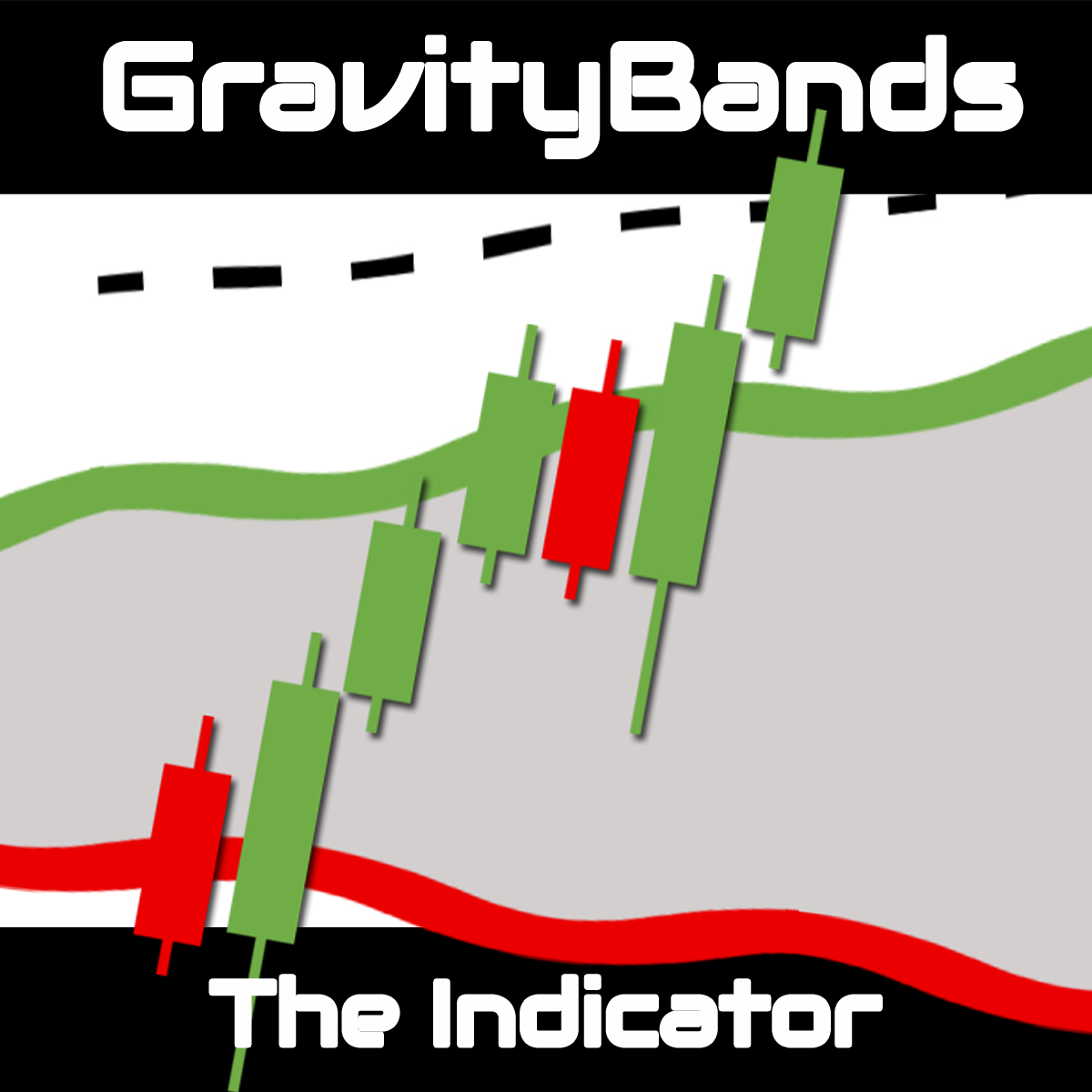
Gravity Bands Indicator — User Guide
Last updated: 2025-01-01
📖 Overview
The Gravity Bands Indicator is a full market structure, momentum, and trend framework designed for intraday traders. It replaces a cluttered chart with a single, unified visual that shows where the trend is going, when momentum is accelerating, where structure shifts occur, and whether price is at fair value or stretched.
It does not predict the market. It reveals what the market is actually doing.
What Gravity Bands integrates in one tool:
| Layer | Purpose |
|---|---|
| Gravity Cloud | Multi-layer trend cloud showing intraday flow and volatility |
| Dynamic Bands | Outer volatility bands showing where price is extended |
| BOS Detection | Real-time Break of Structure labels based on clean swing logic |
| Session Anchors | Beta and Omega session lines for timing momentum cycles |
| Signal Filters | Three filter modes to match your trading style |
Gravity Bands is particularly effective on Gold (XAUUSD), indices, and other high-volatility assets, and works on any timeframe.
🔧 Installation
Follow the standard MQL5 product installation guide.
The indicator is available on mql5.com/en/market/product/96679.
📐 How It Works
The Gravity Cloud
The Gravity Cloud is the heart of the indicator. It is a multi-layer band that represents the current intraday trend and volatility range. When price is inside the cloud, the market is in a balanced or consolidating state. When price pushes outside the cloud, it is showing directional momentum.
The cloud adapts continuously to market conditions — it is not a fixed lookback average. This makes it especially responsive to trend shifts and momentum acceleration.
Break of Structure (BOS)
BOS labels mark the moment price breaks a confirmed swing high (bullish BOS) or swing low (bearish BOS). Swing highs and lows are validated using a configurable number of bars on each side. This ensures the structure is clean and based on real swing points, not minor noise.
Guardian Limits
The Guardian Limits parameter defines how far price can extend beyond the cloud before a signal is considered over-stretched. When price is within the guardian zone, signals are valid. Outside the guardian zone, the move may already be exhausted — giving you a clear boundary for chasing vs. waiting.
Session Anchors
The Beta and Omega session lines mark the start of key intraday momentum cycles. These anchors help you align your BOS readings and cloud context with the time-of-day cycles where moves tend to accelerate.
⚙️ A. Structure Settings
These parameters define how swing highs and lows are identified, which determines when a BOS is valid.
| Parameter | Description |
|---|---|
| Left Bars | Number of candles to the left of a swing point required to validate it. A higher value requires a more prominent swing — fewer but higher-quality structure breaks. |
| Right Bars | Number of candles to the right needed to confirm the swing. The more bars required, the later the confirmation but the cleaner the structure. |
| Min Points for BOS | Minimum distance (in points) that price must break beyond a previous swing high or low to register as a structure break. Filters out marginal breaks that could be noise. |
☁️ B. Gravity Cloud Settings
| Parameter | Description |
|---|---|
| Guardian Limits (points) | The maximum distance from the Gravity Cloud that a signal is still considered valid. If price is further than this distance from the cloud, the move is treated as over-extended and signals are suppressed or flagged. Set this based on average daily range — on Gold M5, values between 50–150 points are common starting ranges. |
🎯 C. Signal Filter Mode
The Signal Filter Mode controls which BOS signals are printed on the chart. Choose the mode that matches your trading style.
| Mode | Description |
|---|---|
| Breakout (No Filter) | All BOS signals appear regardless of where price is relative to the cloud. Maximum visibility — useful for learning the indicator and understanding full market structure. |
| Breakout From Cloud | A signal is only shown when a candle has first moved outside the Gravity Cloud and then confirms a BOS. This filters out signals during consolidation inside the cloud — ideal for momentum traders. |
| Breakout Candle | The strictest filter. A signal only prints when the actual breakout candle itself simultaneously breaks out of the cloud and confirms structure. Fewer signals, highest quality. |
🕐 D. Session Anchor Settings
Session Anchors mark the beginning of the two key intraday momentum cycles: Beta and Omega.
| Parameter | Description |
|---|---|
| Beta Start Hour | The hour (0–23, broker server time) at which the Beta session line is drawn. |
| Beta Start Minute | The minute for the Beta session start. |
| Omega Start Hour | The hour for the Omega session line. |
| Omega Start Minute | The minute for the Omega session start. |
These lines act as visual anchors. When a BOS forms shortly after a session anchor, it carries more weight — the momentum cycle is activating. When BOS forms far from any anchor, treat the signal with more caution.
📊 Reading the Chart
Trend Identification
- Price consistently above the cloud → uptrend; look for bullish BOS signals
- Price consistently below the cloud → downtrend; look for bearish BOS signals
- Price inside the cloud → consolidation or trend transition; wait for a clear break
Entry Framework
- Identify the trend direction from the cloud
- Wait for a session anchor to activate
- Look for a BOS in the direction of the trend
- Confirm the BOS is within the Guardian Limits (price not over-extended)
- Enter on the break candle or on a retracement back to the cloud edge
Stop Loss and Take Profit
- Stop loss: Place below the most recent confirmed swing low (bullish) or above the most recent swing high (bearish)
- Trailing stop: Move the stop loss as each new swing confirms — Gravity Bands continuously identifies these in real time
- Take profit: Target the previous session high/low, a key HTF level, or exit when price reaches the opposite Guardian Limit
🏆 Best Practices
- Instrument: Gold (XAUUSD) and major indices are where this indicator performs most consistently. High volatility gives the cloud and BOS logic room to work
- Timeframe: M5 is the primary recommended timeframe for intraday scalping and day trading
- Signal Filter: Use Breakout Candle mode for the fewest, cleanest entries; use No Filter for structure awareness and learning
- Session context: Prioritise BOS signals that form in the first 30–60 minutes after a Beta or Omega session anchor
- Avoid: Trading inside the cloud with no BOS confirmed — this is the noise zone
📋 Disclaimer
The products and software provided by Trade't are tested in certain market conditions and technical environments. Trade't is not responsible for any loss, error, or misuse of the provided software. Users are invited to do their own testing in a demo environment before using any tools in a live setting with real money — this decision is their sole responsibility and at their own risk.
Past performance is no indication or guarantee of future performance. Trading forex involves a significant risk of loss. Always do your due diligence before making any investment decision.
Gravity Bands Indicator
Store pricing available
Add this product to your Trade't basket and complete payment securely through Mitalio.